
From drawing
to show.
The complete CADANZ manual, from the first drawing to the live show.
The manual, step by step
Get started
- 1How the work flowsKnow where you are. CADANZ has four steps along the top of the window and one switch that says who drives the lights.
- 2From drawing to first lookYou have drawn a stage or an event in SCAD Re-Event and want to see it in light, today.
- 3Finding your way aroundLook at the stage from the places that matter (front of house, the VIP deck, the back row) and get back there with one key.
Design
- 4Checking the rigBefore you program anything, make sure CADANZ sees the rig the way you drew it: the right fixtures, on the right trusses, with the right profiles.
- 5Making the venue look realThe client should recognise the place: day or night, indoors or out, with the right surfaces and the right air.
- 6Screens, LED walls and show lightsThe LED walls play something that suits the show, and the decorative light (festoons, light boxes, LED strips) plays along.
- 7Dressing the scene: audience, decor and objectsAn empty stage does not sell. Add people, decor and the things that are not in the drawing yet.
Patch
Program
- 10A show for the client in five minutesThe client wants to see "something" this afternoon, on their song.
- 11Programming looksYour own looks for the moments that matter: the walk-in, the speech, the big reveal.
- 12Building a show on a song: the timelineA show that runs exactly on the music: lights, pyro, lasers, screens and the camera.
- 13Pyro, fireworks and lasers, safelyBig moments with fire, sparks and fireworks, without a nasty surprise for the safety officer.
Present and run
- 14Pictures, films and the one-click presentationSave image: the size of the window, Full HD, 4K or your own.
- 15On site: the desk and real lightsPlayback plays your lists like a desk: fader, GO, Back, Flash, Master, Blackout.
- 16Saving, backups and sharingYour work saves by itself; Properties shows when.
Quick reference
About this manual
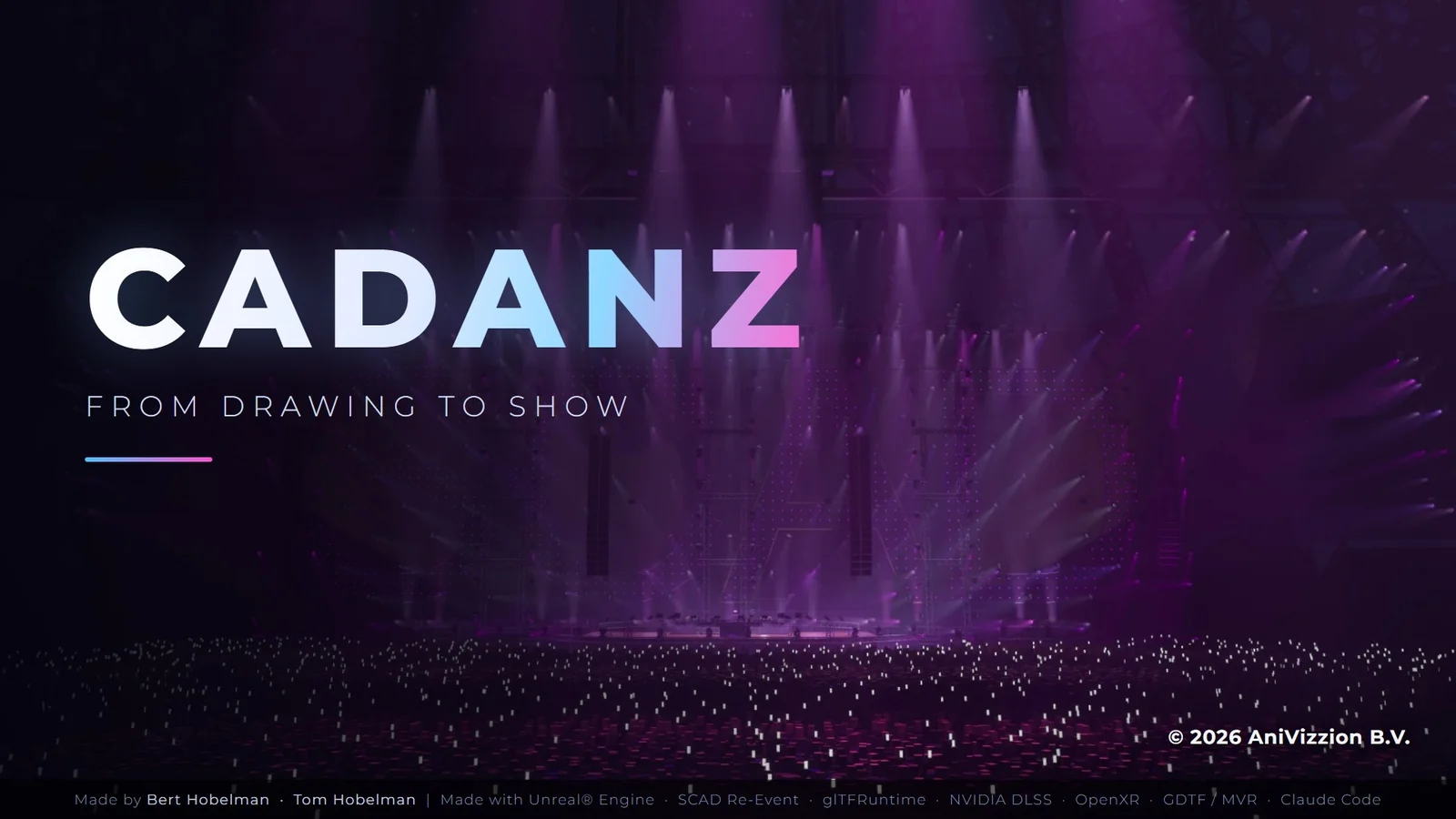
CADANZ turns your SCAD Re-Event drawing into a living 3D scene with real light: beams in the haze, moving heads, LED walls, lasers, pyro, an audience and music. You use it to sell an idea to a client, to prepare the patch and the paperwork for the crew, to program a show before you are on site, and to make pictures, films and presentations.
This manual follows the jobs you do in real life, in the order you usually do them. Every chapter starts with what you want to achieve and then shows how, step by step. It starts with the big picture: the four steps of CADANZ and how a value becomes a cue, a cue list and a show. The pictures come from two real projects: an arena show and the DB2016 main stage, a festival stage with more than a thousand lights. Button names are written in bold, exactly as on screen. The grey boxes are tips: small things that save you time.
From drawing to show · how to work with it · version 1.0 · November 2026